
September 2, 2026
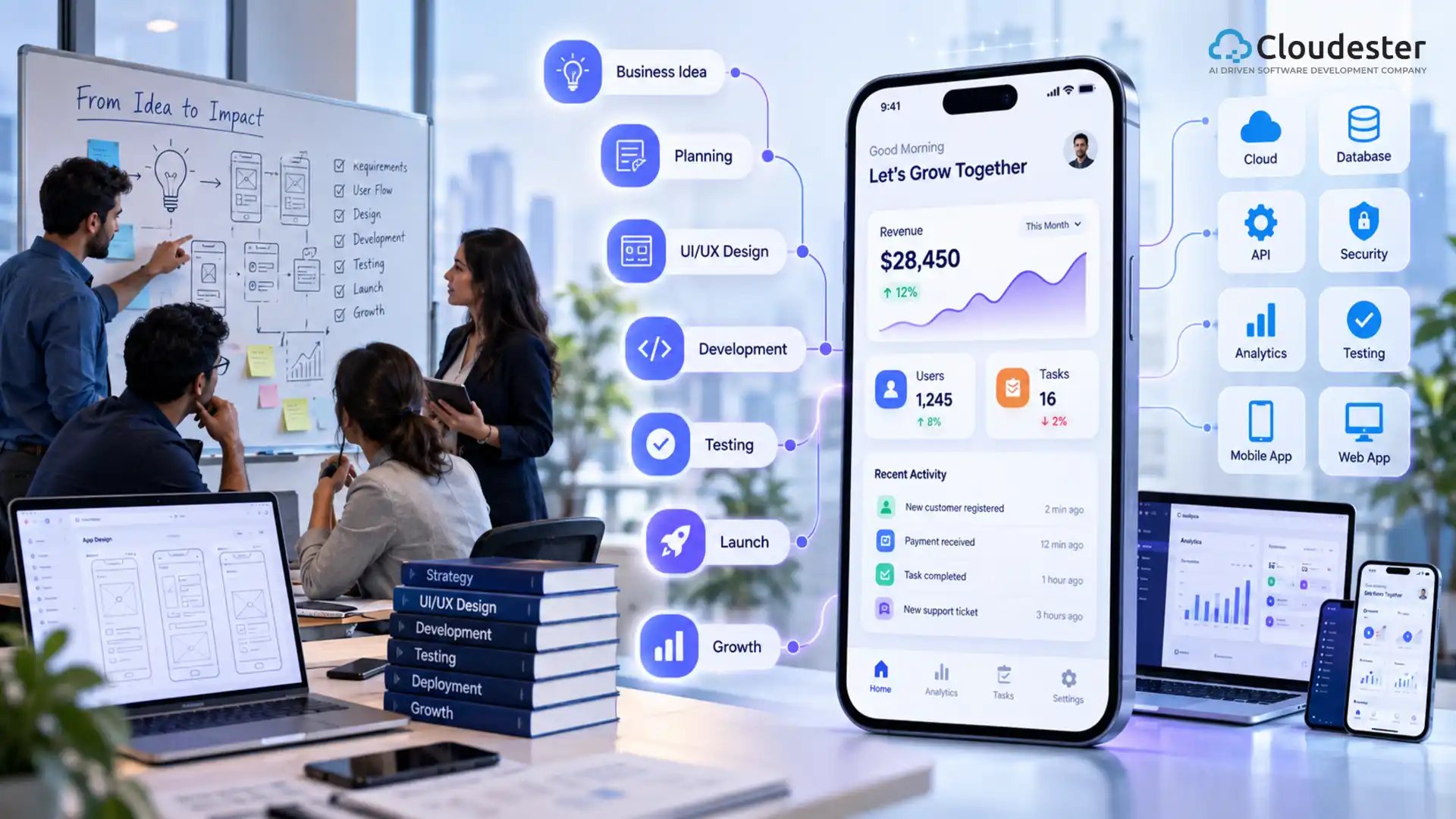
AI Generated. Credit: ChatGPT
Businesses across different industries are using applications to simplify operations, improve customer experiences, automate repetitive tasks, and create new digital revenue opportunities. But building an app for your business is not simply about creating a mobile interface and publishing it to an app store. A successful business application needs to solve a specific problem, support real users, integrate with existing systems, and provide measurable value.
Whether you are planning a customer-facing mobile app, an internal business application, a web platform, or a combination of these, the development process should begin with the business problem rather than the technology.
Off-the-shelf software can be useful for common business requirements. However, growing organizations often discover that generic tools do not completely match their workflows.
A custom application can be designed around the way a business actually operates.
Businesses may develop applications to:
The objective should not simply be to have an app.
The objective should be to create software that produces a meaningful business outcome.
Before starting development, determine what type of application fits your business model and users.
Common options include:
Mobile applications can provide customers with convenient access to products, services, accounts, bookings, payments, support, and other features.
Examples include:
Internal applications are designed to help employees manage business operations.
Examples include:
Web applications run through browsers and can be useful when users need access across desktops, laptops, tablets, or mobile devices.
Examples include:
Large organizations may require applications that connect multiple departments, systems, users, and data sources.
These applications often need:
One of the most important steps in business app development is identifying the problem before defining the features.
Ask questions such as:
For example, a logistics company might discover that employees spend hours manually updating delivery information.
Instead of simply saying:
“We need a logistics app.”
The business requirement could be:
“We need to reduce manual delivery updates and give customers real-time shipment visibility.”
That second definition provides a much stronger foundation for development.
An application should be designed around the people who will actually use it.
Different users may have completely different requirements.
For example, an inventory application could have:
A warehouse employee may need quick barcode scanning, while a manager may need analytics and reporting.
Defining user groups early helps prevent unnecessary features and creates a clearer product structure.
Once the business problem and users are clear, determine the minimum set of features required to solve the problem.
Common business app features include:
However, adding more features does not necessarily create a better application.
A better approach is to prioritize features based on business impact.
A Minimum Viable Product, or MVP, contains the essential functionality required to validate an application idea.
Instead of building everything at once, businesses can launch a focused version and learn from actual users.
Business Problem

↓

Core User Need

↓

Essential Features

↓

MVP Development

↓

User Feedback

↓

Improvement

↓

Feature Expansion
This approach can reduce unnecessary development effort and provide valuable feedback before larger investments are made.
One important technical decision is determining how the application should be developed.
Native applications are built specifically for a particular operating system.
For example:
Native development can provide strong platform integration and performance.
It may be appropriate when an application depends heavily on platform-specific capabilities.
Cross-platform frameworks allow businesses to develop applications for multiple platforms using shared code.
This can help organizations:
The right choice depends on factors such as performance requirements, budget, timeline, application complexity, and platform-specific functionality.
An application can have excellent technical functionality and still fail if users find it difficult to use.
UI/UX design should focus on:
Before development begins, teams can create:
Testing these designs with potential users can reveal usability problems before they become expensive development changes.
The application architecture determines how different parts of the system communicate.
A simplified business application may look like:
User Interface

↓

Application Layer

↓

API Layer

↓

Business Logic

↓

Database
More complex applications may also include:
Mobile App

↓

API Gateway

↓

Application Services

↓

Authentication

↓

Business Logic

↓

Database

↓

Cloud Infrastructure
The architecture should be designed around expected users, data requirements, integrations, security requirements, and future growth.
Many businesses already use software such as:
A new application may need to communicate with these systems.
APIs make it possible for applications to exchange information with external platforms.
Business App

↓

API

↓

CRM

↓

Customer Data
Good integration planning helps prevent data silos and reduces the need for employees to enter the same information into multiple systems.
Business applications may handle sensitive customer, employee, financial, or operational information.
Security should therefore be considered throughout the development lifecycle.
Important areas include:
Role-based access control can also ensure that users only access the information and functionality required for their responsibilities.
An application that works for 100 users may behave very differently when thousands or millions of users start using it.
Scalability should therefore be considered during architecture planning.
Potential considerations include:
The objective is to create an architecture that can grow without requiring a complete rebuild.
Testing is an essential part of business application development.
A comprehensive testing strategy may include:
Verifies that application features work according to requirements.
Measures how the application behaves under different workloads.
Identifies vulnerabilities and potential security weaknesses.
Checks the application across supported devices, browsers, and operating systems.
Evaluates whether users can complete important tasks easily.
Verifies communication between the application and external systems.
Testing should continue throughout development rather than being postponed until the final stage.
Once development and testing are complete, the application can be deployed to its target environment.
For mobile applications, this may involve publishing to app stores.
For web applications, deployment may involve cloud infrastructure or other hosting environments.
After launch, monitoring becomes important.
Teams may track:
The data collected after launch can help identify areas for improvement.
Application development does not end when the first version is launched.
Real users often reveal problems and opportunities that were not visible during initial development.
Launch

↓

Collect Feedback

↓

Analyze Usage

↓

Identify Problems

↓

Prioritize Improvements

↓

Release Updates

↓

Measure Results

↓

Repeat
This approach helps the application evolve with changing customer expectations and business requirements.
The cost of developing an application depends on several factors.
These can include:
A basic application with a small feature set can require significantly less effort than a complex enterprise platform with multiple integrations.
Instead of estimating cost based only on the number of screens, businesses should consider the complete technical scope.
Businesses can reduce development risks by avoiding several common mistakes.
Adding every possible feature can increase development time and complexity.
Start with the features that directly support the core business objective.
Technical functionality does not guarantee adoption.
Users should be involved in testing and feedback throughout the product lifecycle.
Technology should support the business requirements.
Choosing a framework first and defining the requirements later can create unnecessary limitations.
Connecting an application to existing business systems can require significant planning.
Integrations should be considered during the initial architecture stage.
Applications require updates after launch.
Businesses should plan for:
A custom application can make sense when existing software cannot effectively support your business requirements.
Consider custom development when:
The decision should be based on business value rather than simply wanting a custom solution.
A well-designed business application can support multiple areas of an organization.
Potential benefits include:
The exact benefits depend on the application’s purpose and how effectively it addresses the underlying business problem.
If your organization does not have the internal resources to design and build the application, working with an experienced app development company can provide access to software engineers, UI/UX designers, architects, QA specialists, and other technical expertise.
When evaluating a development partner, consider:
A strong partner should understand your business requirements instead of focusing only on writing code.
A business application project can be organized into the following stages:
1. Identify the Business Problem

↓

2. Define Target Users

↓

3. Establish Business Goals

↓

4. Define Core Features

↓

5. Create User Flows

↓

6. Design UI/UX

↓

7. Select Technology

↓

8. Design Architecture

↓

9. Develop the MVP

↓

10. Test the Application

↓

11. Launch

↓

12. Monitor and Improve
This roadmap provides a structured approach while leaving room for adjustments based on project requirements.
Building an app for your business should start with a clear understanding of the problem you want to solve.
The most successful applications are not necessarily the ones with the largest number of features. They are the ones that make important tasks easier, provide value to users, integrate effectively with existing systems, and support measurable business goals.
Whether you are planning a mobile application, web platform, internal business tool, or enterprise system, a structured development process can help turn an idea into a scalable digital product.
The key is to start with the business objective, validate the idea, build the right features, and continuously improve the application based on real-world usage.




We specialize in creating high-performance web and mobile apps, seamlessly integrating them with your existing systems to enhance user experiences and streamline business operations.
85 Delancey St, New York NY 10002, United States